
Start by agreeing on the audio you'll share
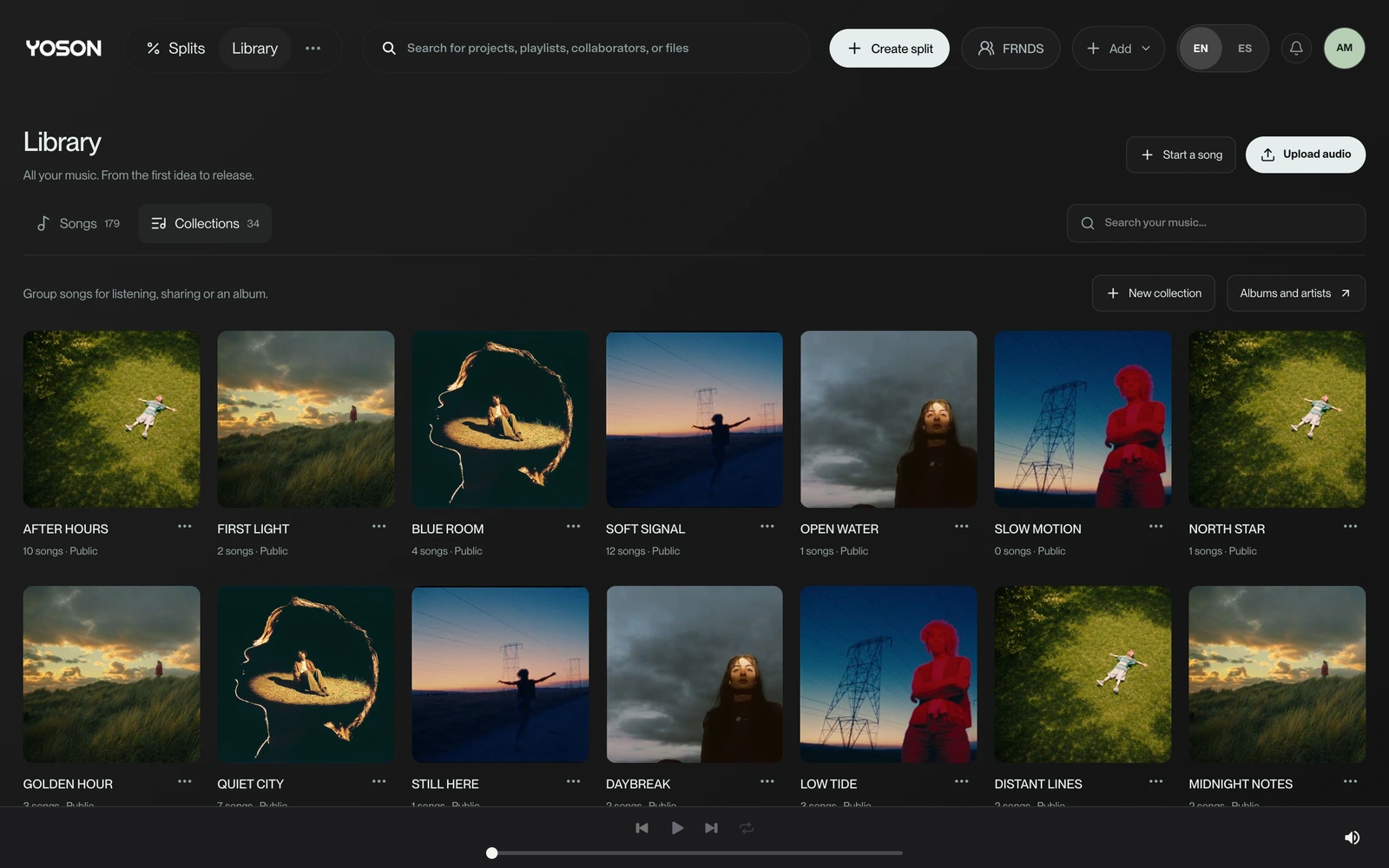
When two producers use different DAWs, a practical way to keep the song moving is to share exported audio and a reference mix. Work out which parts your collaborator needs to edit before sending a whole folder. In wuse, you can keep the files and versions together in the music project.
In r/edmproduction, a question about collaborating across DAWs gets recommendations to share rendered audio. Another conversation in r/WeAreTheMusicMakers describes the friction of sending sessions and hoping the plugins match. These are qualitative examples of a need: sharing material the other person can actually use.
Decide what needs to stay editable
Audio preserves the sound you've exported. MIDI lets you work with notes, but on its own it doesn't carry the instrument and all its settings. If a melody needs to stay open to changes, agree to send MIDI and an audio reference.
A native session can be useful if you both have compatible setups. Before choosing that route, confirm the DAW, version, plugins and external files. wuse organizes the exchange; it doesn't automatically convert a Logic session into an Ableton session.
- To record a vocal: a reference and the agreed backing track.
- To change a melody: MIDI where appropriate and reference audio.
- To adjust each instrument: the individual tracks you've agreed to share.
- To work with groups: stems with an explanation of what's in each one.
Decide who puts together the next version
Two people editing different copies can come up with valid alternatives that are hard to bring together later. Choose who will bring in the changes from each round and agree on a delivery time. If you're working in parallel, divide up specific parts: vocals and drums, for example.
Example: Ana delivers instrumental v02 on Monday. Luis records a vocal idea over that reference. Ana brings in that take and shares v03 for review. They keep v02 so they can trace where the change came from. This workflow is an example, not a requirement for every team.
Include a note that lasts beyond the chat
A folder called “new” doesn't explain what you need from your collaborator. Include a short note identifying the song, version, tempo, start point and task. If there are tempo changes or a free-time entrance, describe them; a single BPM number may not be enough.
Example to copy: “Horizonte, instrumental v02. Record the vocal over Horizonte_ref_v02.wav. Don't change the structure yet. Send back a lead take and the doubles separately, starting from the agreed point. Review date: Thursday.” That way, the person receiving it knows the task without digging through old messages.
Test the exchange before sending the whole song
On a new project, send a small test first: a reference and one representative track. Ask your collaborator to confirm they can import them and that the entrances line up. Sorting out a format issue or an incorrect start point takes less effort before you've prepared twenty files.
- The recipient can open the chosen format.
- The reference and tracks are from the same version.
- The entrances line up from the agreed point.
- The necessary files are all there and clearly labeled.
- It's clear who's responding and what they'll deliver next.
A shared project to keep everything in context
Keep the song's versions and files together in wuse so the team can return to the relevant material. Include an explanation of what changed and the next task with each new version.
If the collaboration gets stuck, first revisit what you agreed to exchange: the editable material, the person bringing in the changes and the reference version. A simple structure is more useful than another folder with no instructions.
Frequently asked questions
Do we need to use the same DAW to collaborate?
Not necessarily. Sharing exported audio and references lets you work across different DAWs. Agree on which material needs to stay editable.
Does MIDI preserve the instrument's sound?
Not on its own. It carries musical information, but the sound depends on the instrument and its settings. Include an audio reference with it.
Can I send the native session?
Yes, when the recipient has a compatible setup and the necessary files. Confirm the DAW, version and dependencies before choosing that method.
Who should bring in the changes?
Agree on one person per round, or separate tasks if you're working in parallel. The goal is to know which version each delivery starts from and who's putting together the next one.
Does wuse convert files from one DAW to another?
It doesn't automatically convert native sessions between DAWs. It helps organize projects, versions and files to keep the exchange in context.
About Roye
Roye writes wuse's guides on music production and collaboration. Under the name Dibo Roye, he has public production credits for ALE ALAS and songwriting credits for Tillaz.